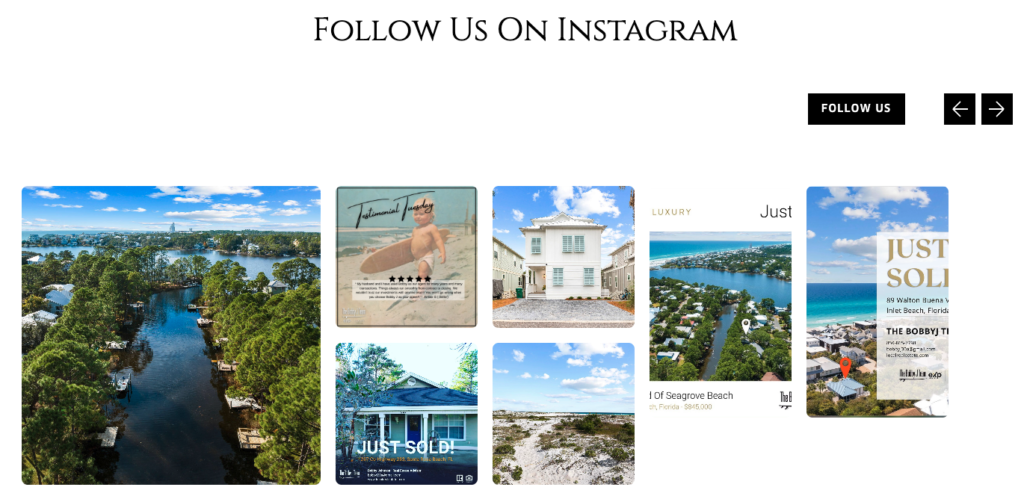
Instagram is an increasingly popular way to show your skills, personality, and value as a company. This section links back to your Instagram posts, adding visual appeal to your site and color to your passion.
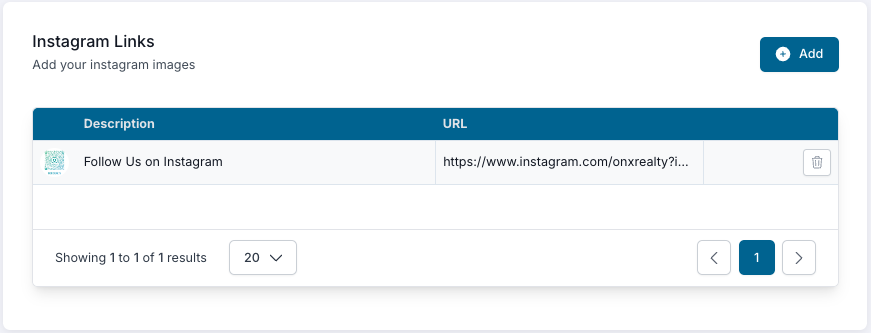
In the next window, add:
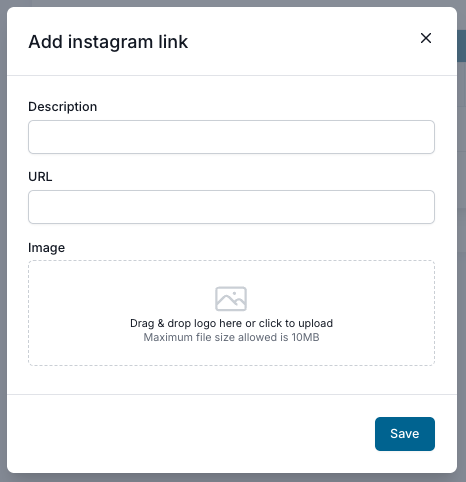
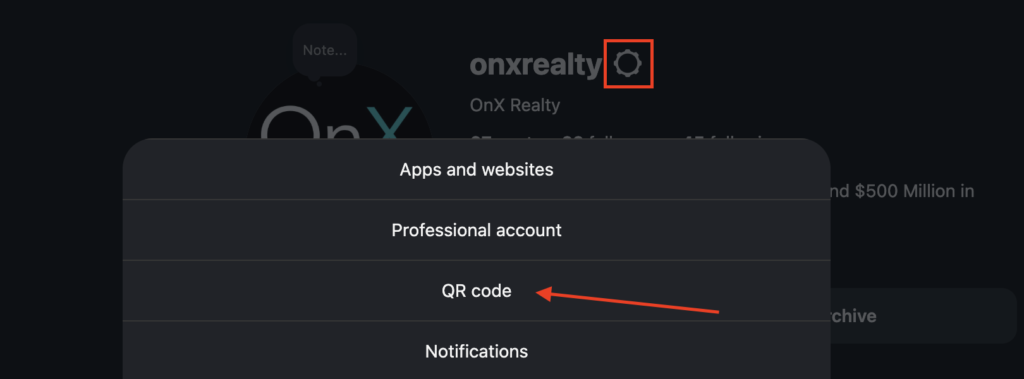
Want to share your Instagram QR code? Add the QR code image and a link to your Instagram page, and it can be the primary image in this section.
If you don’t want this section on your homepage, simply leave it blank.
Swap in your latest posts and reels every few weeks. Just-listed homes, closings, and behind-the-scenes moments keep your homepage lively and give visitors a reason to follow you.
