What you enter on this page appears in the footer at the bottom of your main website.
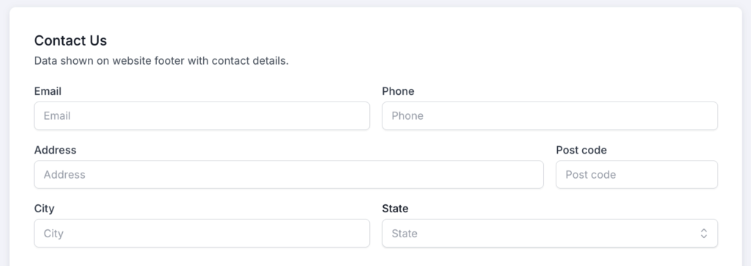
If you have more than one office, enter each office’s address and phone number in the Office you create in the Teams section of the CRM, where you organize your team into offices and groups.
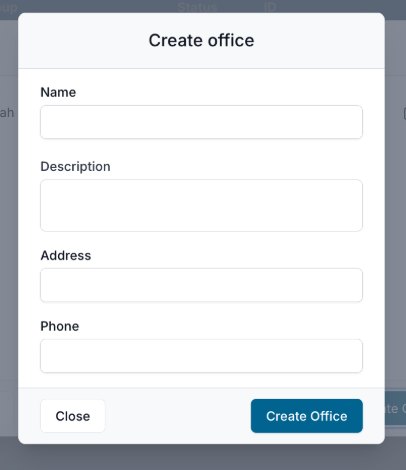
The contact information from the Create Office window also displays in your website footer, so every office is equally represented.
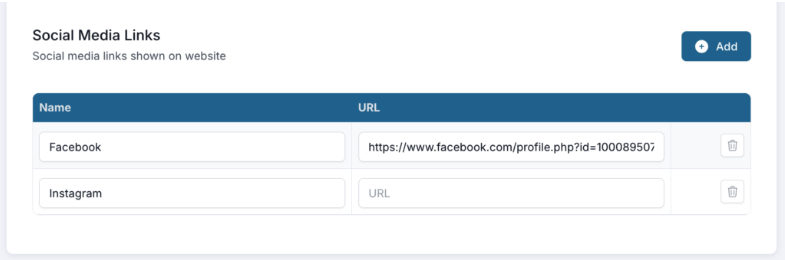
Social links you add here appear in the footer of every page, so visitors can find and follow your accounts. Click Add, provide the required information, and you’re all set.

Use the exact same business name, address, and phone number here as on your Google Business Page and other listings. Consistent contact details build trust and help search engines verify your business.
