

Make a Great First Impression With Your Homepage
Your homepage is the first impression you give every visitor, so let’s make it great.
Background Video
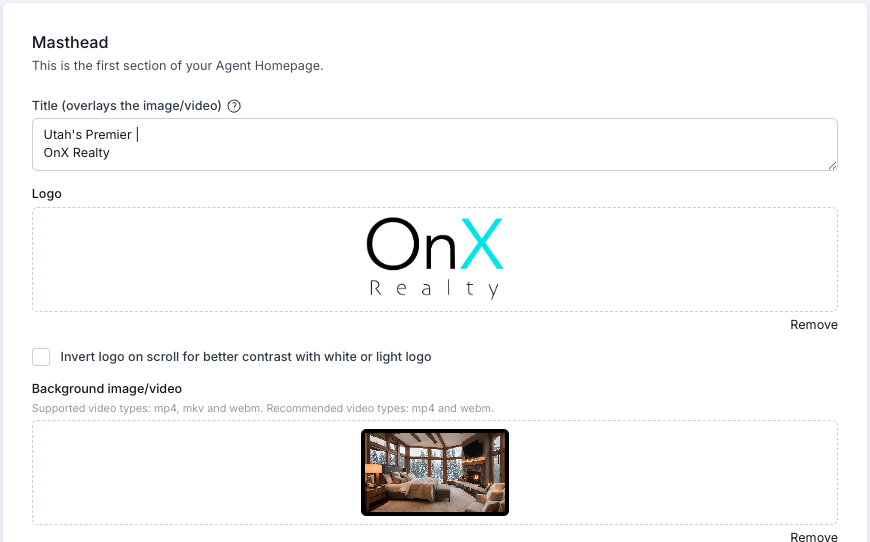
To play a video in the background of the top section of your homepage, create or download the video, then drag or upload it into the Background Video box.
If you have a light color logo, you can check the Invert Logo box so that it shows correctly when visitors scroll your home page.
Want a slideshow of images instead? Create a video of the slideshow in MP4 or WebM format and upload it.
Homepage Images
Team Image
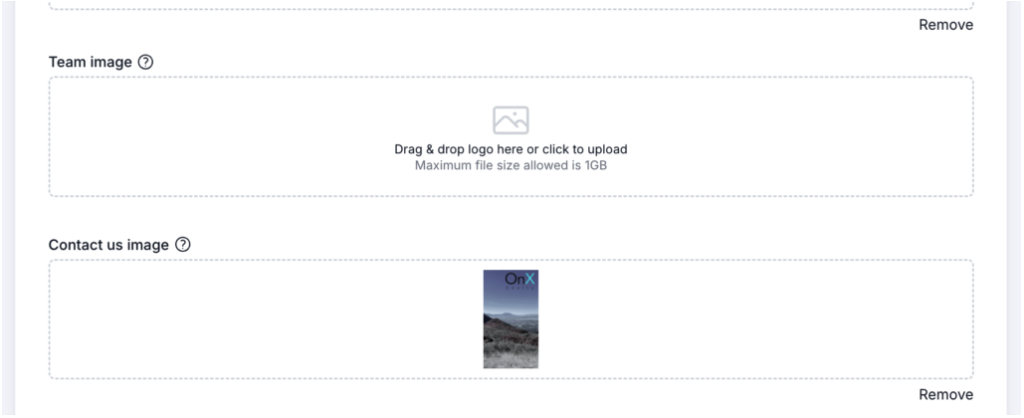
If you’re a team, upload your team photo here to display it on the homepage. Without one, the profile image of the agent in the first position on the team displays instead.
Contact Us Image
This image should be taller than it is wide. An aspect ratio of about 1:2 (wide:tall) lets it display properly.
Favicon
Add your own favicon — a small logo file (best as a PNG) that displays in the browser tab.
Video Looping & Registration

You control whether the background video loops, as well as your visitors’ registration experience. Visitors can explore your tools, read testimonials, and watch your linked videos without restriction — things change when they start clicking on properties.
Registration Prompts
Set how many property clicks a visitor gets before they’re asked to register. To never show a prompt, enter 0.
Registration Interval
Prompt visitors even if they aren’t clicking on properties. Enter a number of minutes, and when time runs out, the visitor is asked to register.
Your Business Description & Work With Us
Work With Us
Your 30-second elevator pitch for why someone should work with your company. Add a strong background image to enhance the look and feel.
Rotating Images Optional
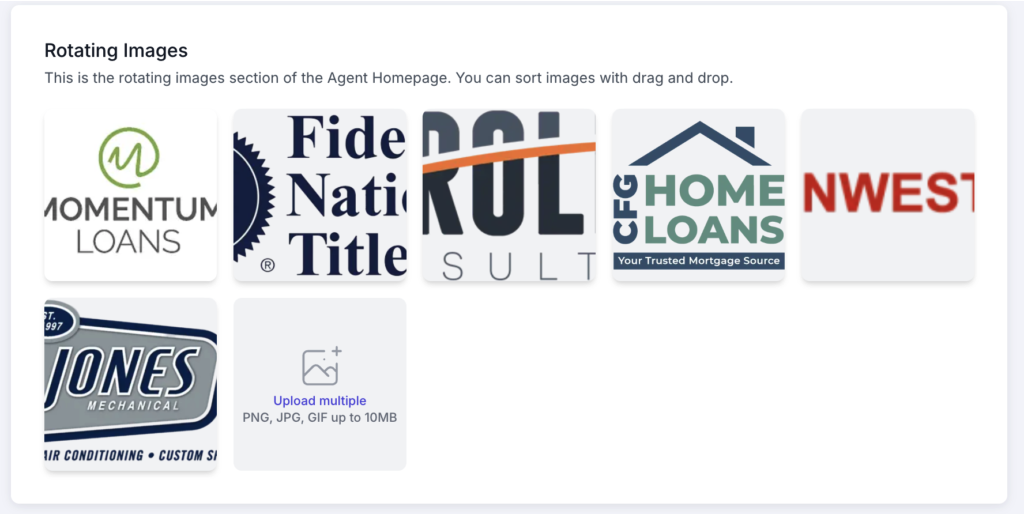
Some use photos of homes, local scenery, or logos of trusted local companies to add credibility. If you don’t want this section on your site, simply don’t add any images.
Font
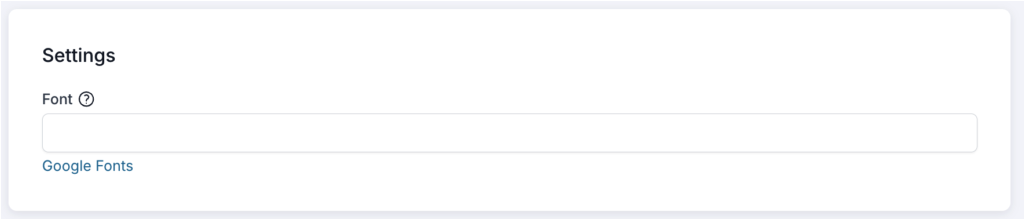
Your website starts with a standard font. To change it, enter a font name in the Font field. Not sure what’s available? Click Google Fonts to browse the options, then enter the name of the one you like.

Preview it like a visitor
After saving, open your homepage on both a desktop and a phone. Check that images look sharp, the background video plays smoothly, and registration prompts feel helpful rather than pushy.