Become the local real estate authority — without hiring a writer.
Whether you enjoy writing your own articles or want AI to do everything for you, the Authority Blog System helps you consistently publish high-quality content that builds trust, improves search rankings, and increases your visibility on Google and AI search platforms like ChatGPT, Gemini, Claude, and Perplexity.
Every blog you publish through RealHub365 is another opportunity for buyers and sellers to discover your expertise.
Before you write your first blog, build your Authority Content Hub. It appears at the top of your blog page, above your articles, and acts as the homepage for your real estate knowledge center.
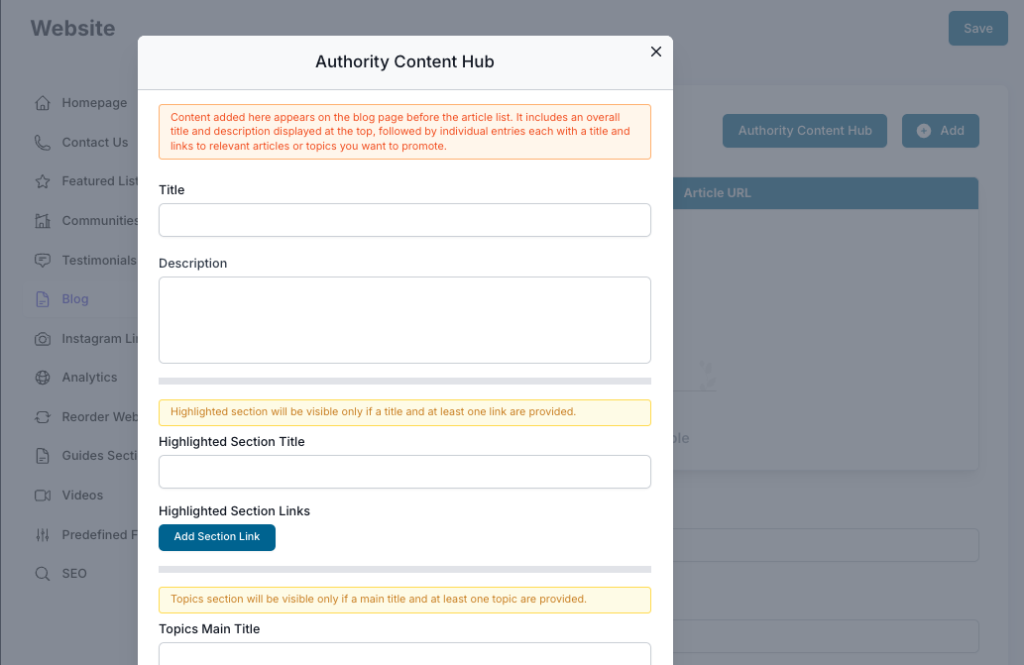
Instead of a simple list of blog posts, visitors immediately see your featured guides, most important resources, and organized topic collections. Think of it as the table of contents for your expertise.
A well-organized hub keeps visitors on your website longer, improves internal linking for SEO, and makes it easier for AI search engines to understand what you specialize in.
RealHub365 lets you create content the way you prefer:
Perfect for agents who enjoy writing. Click Add to create a new article, add your content, upload images, and publish. You keep complete control over every word while still benefiting from RealHub365’s SEO tools and website integration.
A popular option that balances AI assistance with manual content management — perfect for agents who want high-quality content while keeping editorial control.
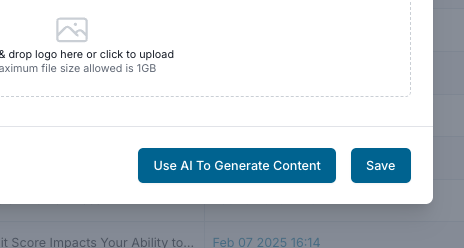
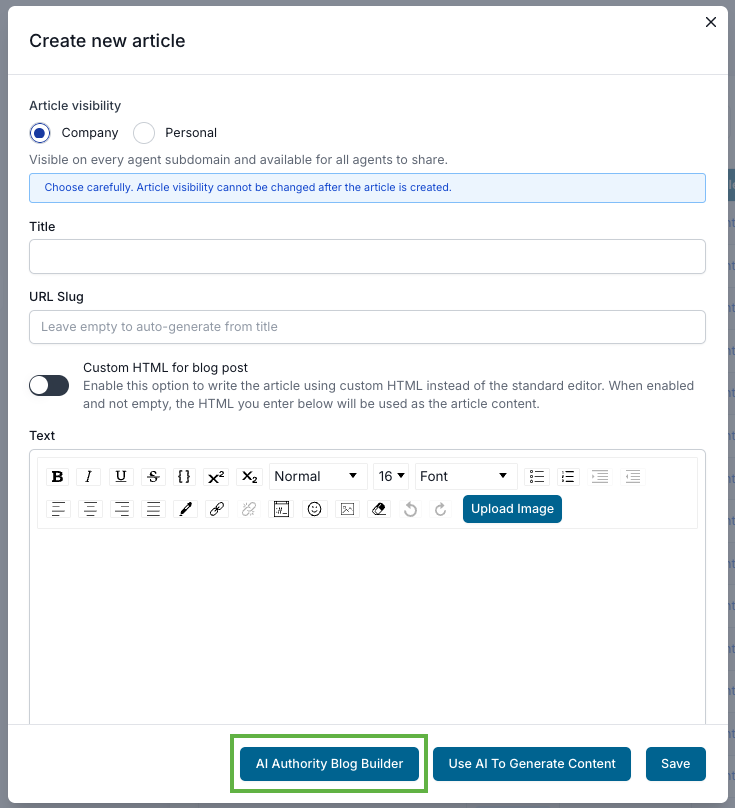
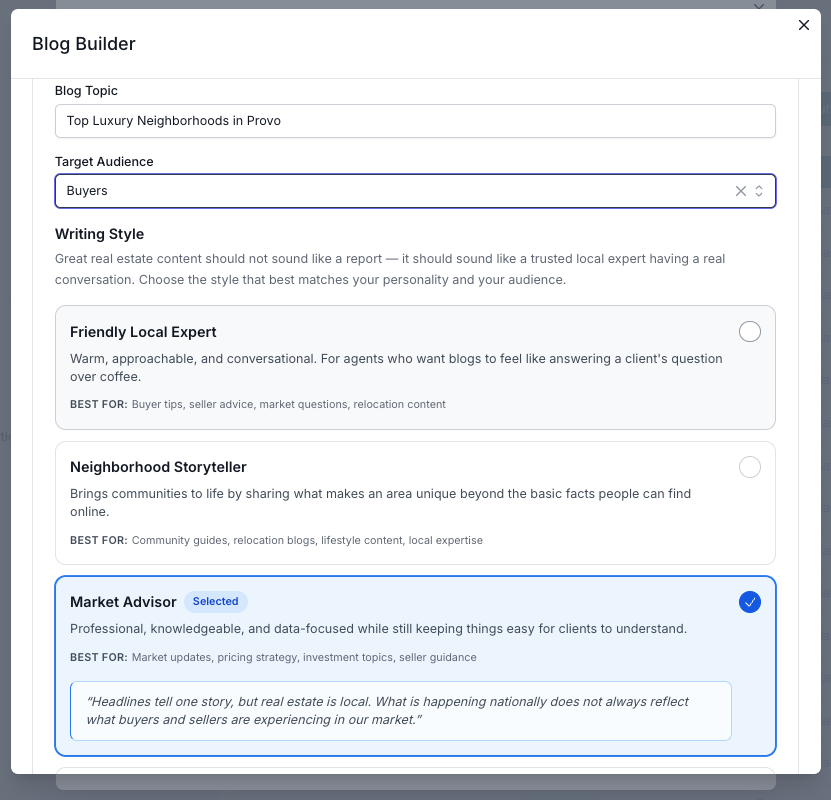
Click Add, give the article a title, then click Use AI To Generate Content. In the next window, tell AI what you want to write about and let it get to work.
Turn on the AI Blocks below the article and fill in the information you want to include. The framework is already there. AI Blocks add credibility and authority to your articles:
Want to publish incredible content in just minutes? This is the fastest option, with the entire article created for you.
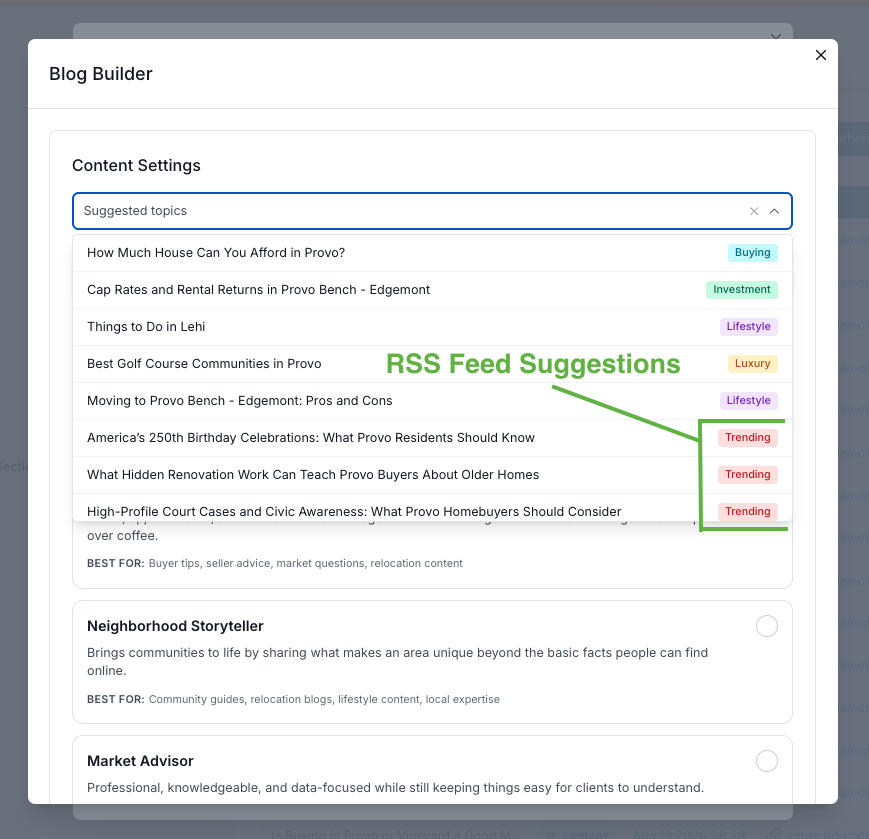
Click into the Suggested Topics field to reveal curated topics. No more staring at a blank page trying to think of something new and engaging.
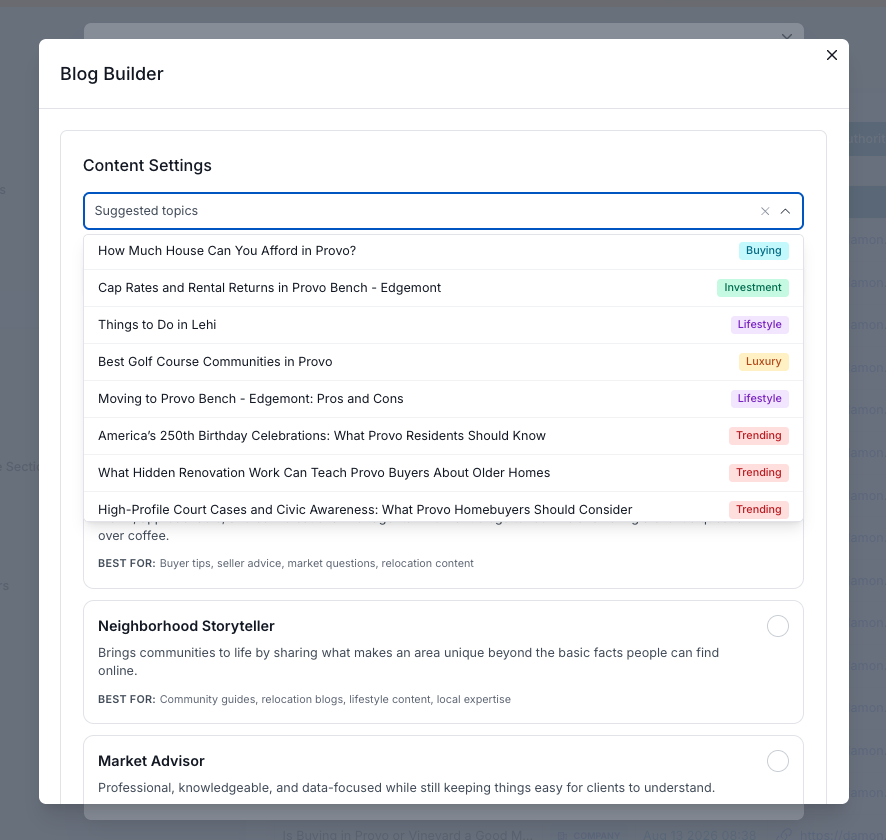
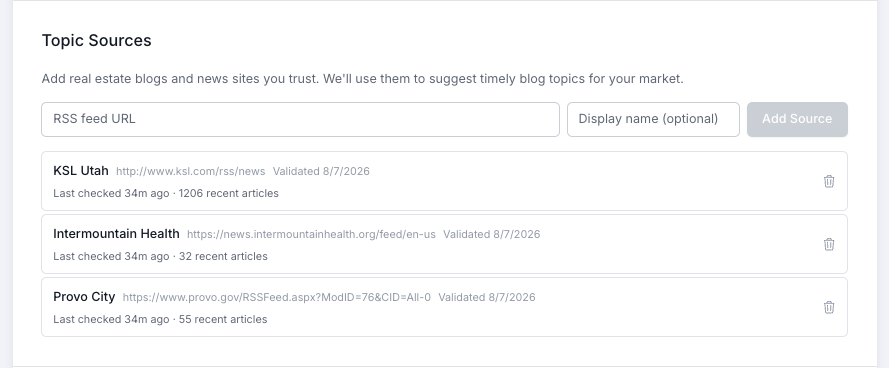
In your profile, you can add any number of RSS feeds from local sources — city announcement pages, community activity sites, healthcare providers, local business chapters, and more. They’re used to refine your topic suggestions: the last three suggestions come specifically from your RSS feeds.
That’s it! Upload your preferred image (with the custom file name mentioned above) and publish. RealHub365 creates:
Unlike ordinary blog generators, RealHub365 automatically enhances your articles with extra content designed for modern AI-powered search. These blocks help search engines understand your expertise while giving readers valuable information:
The agents who consistently publish valuable local content are often the agents buyers remember first.
Focus on answering the questions your clients ask every day:
When you consistently answer real questions with helpful content, your website becomes a trusted resource that keeps working for you long after each article is published.
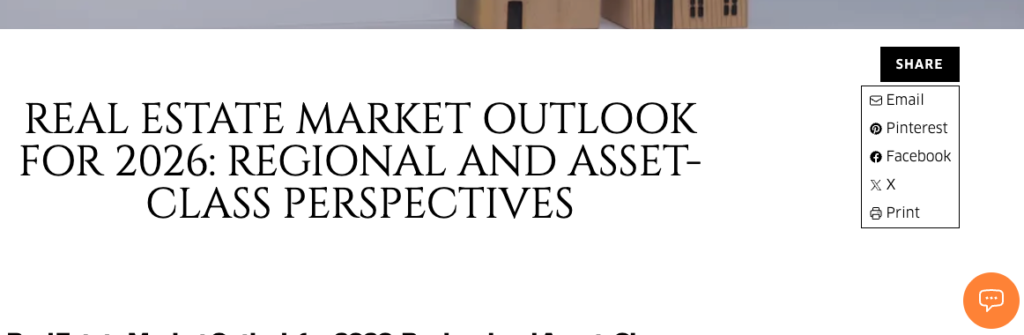
Once your article is posted, share it on social media, add the link to your newsletter, or use it however you like. On your website, open the menu on the right side and select Blog. Your latest article is at the top — open it and you’ll find the Share button under the main image.
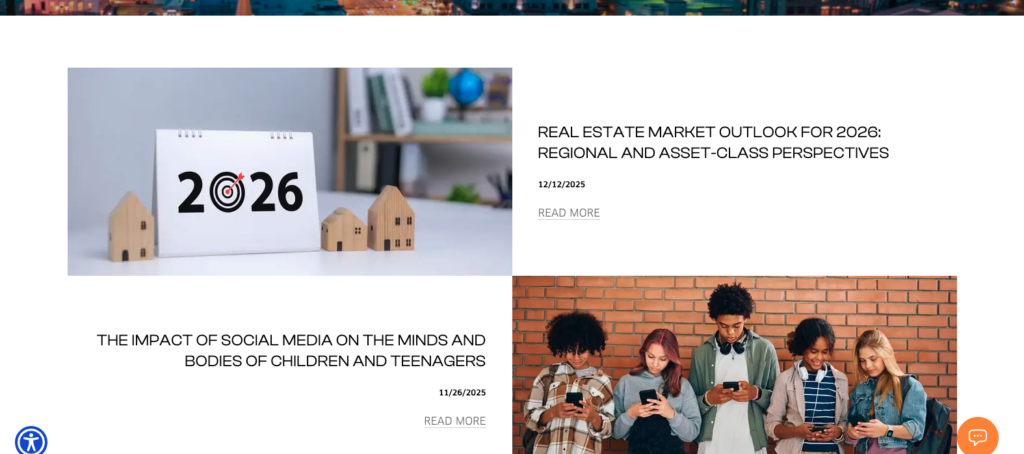
Complete your Authority Content Hub before publishing your first blog. As your library grows, feature your most important guides, organize articles by topic, and keep your highlighted resources up to date.
