Homepage
Your homepage is the first impression you’ll give a visitor, so let’s make it great!!!
Use high quality images. We can’t stress this enough. Your site will look far more professional with high quality images with higher resolution. And, if you want a transparent background for logos, use a PNG file.
If you would like a video to play in the background of the top section of your homepage, create or download the desired video and then simply drag or upload the video into the Background video box. If you want a slideshow of images, create a video of the slideshow in MP4 or WebM format and upload it.
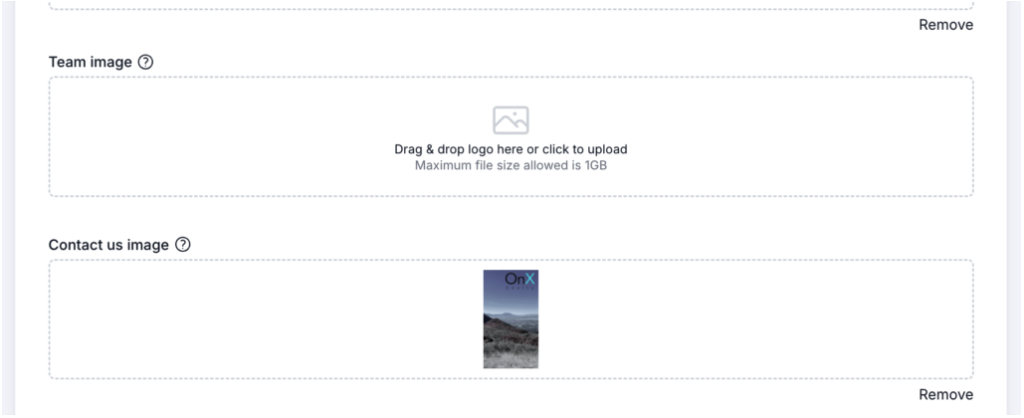
Team Image – If you are a team, this is where you will upload the team picture so it displays on the home page. If you do not upload a team picture, the profile image of the agent in the 1st position of the team will display here.
The ‘Contact Us‘ image should be taller than it is wide. An aspect ratio of about 1:2 (wide:tall) will allow the image to display properly.
Favicon – Be sure to input your own Favicon image. These are typically smaller sized logo files (best as .png file) that display in the browser tab.

You have control over looping the background video, as well as a visitor’s registration experience.
Registration Prompts – a visitor can peruse your site and look at the tools you provide, read testimonials, and watch your linked videos unrestricted. However, things change when they begin clicking on properties. If you’ve set a number of registration prompts, they will be asked to register after clicking within the properties section after the set amount of clicks. If you never want a prompt to show, simply enter zero ‘0’.
Registration Interval – You may want to prompt someone even if they are not clicking on properties. If this is the case, enter the desired number of minutes and after the clock has expired, your visitor will be prompted to register.
These two features work in concert and a prompt will occur based on the first setting to be triggered.
The most important thing to remember about this section is to use the same text here that you do on other high profile industry sites (realtor.com, zillow.com, etc.), This will help search algorithms recognize your website/business as legit and rank you higher in search results.
Work With Us – This section is for your 30 second elevator pitch as to why someone would want to work with your company. Give it a nice background image to enhance the look and feel.
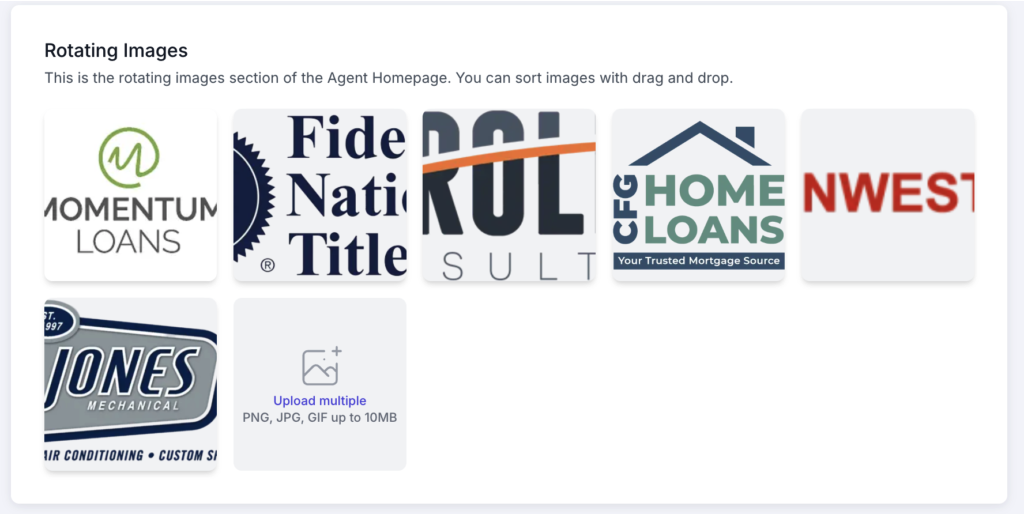
Rotating Images – This is an OPTIONAL section. Some use pictures of homes, scenery, or even logos of trusted companies in the area to add credibility. If you do not want this section to show at all on your site, simply do not add any images.
Font – Your website comes with a standard font type from the start. However, if you want to change the font selection for your website, enter the font name in this field. If you don’t know what options are available, click on “Google Fonts” to open a browser window and see the fonts available to you. When you find one you like, simply take the name of the font and enter it into the field.
IMPORTANT: after you have made changes to this section, be sure to click SAVE at the top!